

Find your daily rhythm
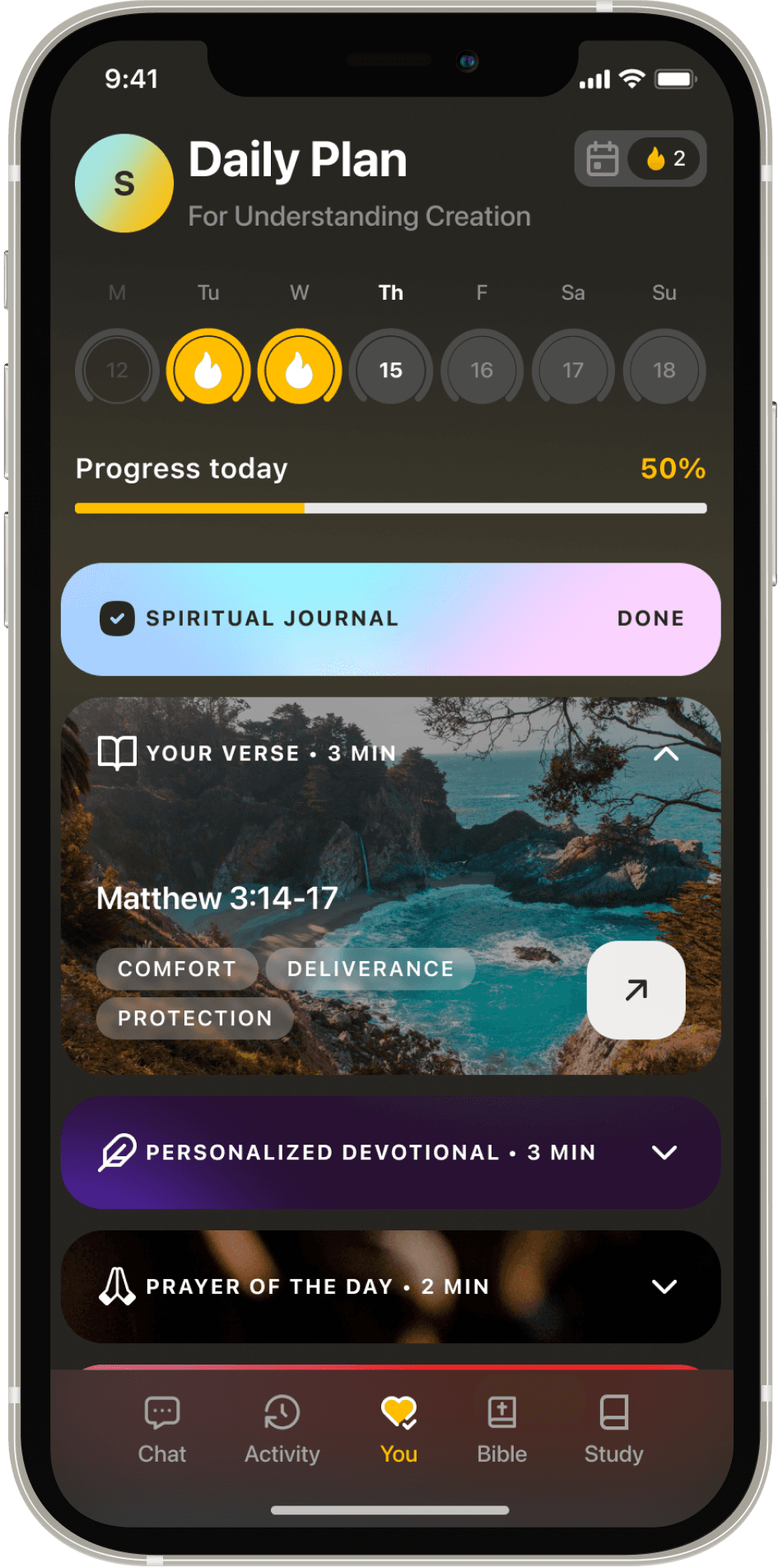
Make room for Scripture with daily verses and guided study plans.
 Bible ChatA little closer, every day.
A verse for today. A question on your heart. A quiet moment to listen. Bring it all to Bible Chat.
Scan with your phone camera, or choose your store.
Free to download. Optional in-app purchases.
“Thy word is a lamp unto my feet, and a light unto my path.”
✦Make room for Scripture with daily verses and guided study plans.
Bring the audio Bible along for your commute, walk or quiet time.
Discover Bible passages and reflect on what they mean for your life.
Choose your store above. Your time with Scripture starts in the app.
Tap the App Store button, then tap Get. Confirm with Face ID, Touch ID or your Apple Account if asked. When the download finishes, tap Open.
Tap the Google Play button, then tap Install. Once it is ready, tap Open. You can also search for “Bible Chat” in Google Play.
Use the in-app browser menu to open this page in Safari, Chrome or your usual browser, then tap the store button. If you cannot find that option, copy this link and paste it into your browser.
thebiblechat.com/download/Open your phone’s camera and point it at the QR code above. Tap the link that appears, then choose your app store. Or type thebiblechat.com/download/ in your phone’s browser.